
Busy Signal
A busy signal for your computer.
Long download. Long render. Long meeting you're only half in. Busy Signal keeps Windows awake and moves your cursor just enough that your computer looks plausibly occupied. It lives in your system tray and stays out of the way.
$4.99, once. No subscription.
Two jobs. Use either one or both.
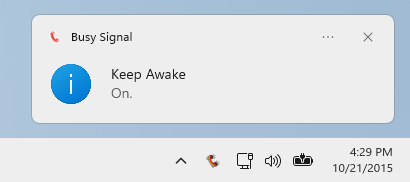
Keep Awake
Stops Windows from sleeping, and optionally from turning the screen off. Turn it off and your PC goes back to its normal power settings.
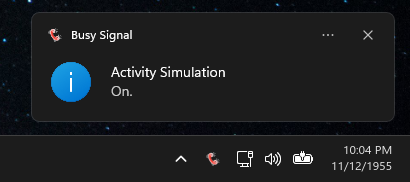
Activity Simulation
Nudges the cursor to random spots in a small area at random intervals, so it never looks like a metronome. Optional keyboard taps are off until you ask for them.
Read the tray icon at a glance.
The handset changes color so you always know what's running. Hover over it for the exact status.

Gray
Idle. Nothing running.
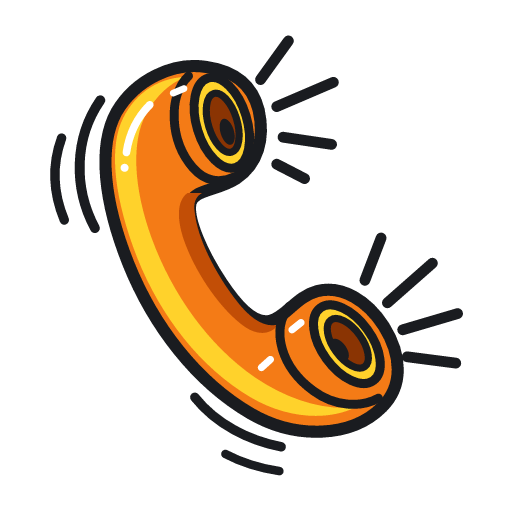
Amber
Keep Awake is on. Your PC will not sleep.

Red
Activity Simulation is on.
Red with an amber stripe
Both are on. Fully occupied.
Set it up once.
- Set how long a session runs, or let it go until you stop it.
- Turn features on and off from a global shortcut. The default is Ctrl+Alt+F11 for Activity Simulation, and F13 works too.
- Start with Windows if you want. It comes up in the tray with both features off.
- Pick light, dark, or follow Windows. The tray icon follows your taskbar theme.
- Windows notifications when features start and stop. They're on by default and you can turn them off.
Fair questions.
- Will it keep Teams, Slack, or Zoom showing me as available?
- Maybe, maybe not. Those apps and your employer decide what counts as active, and we can't promise how they'll react. Busy Signal keeps Windows awake and generates ordinary mouse and keyboard activity. That's all it does.
- Does it phone home?
- No. No telemetry, no account, no cloud. Your settings live in a file on your PC.
- Do I need admin rights?
- No. It installs from the Microsoft Store and runs as a normal user.
- Does the keyboard thing mess with my typing?
- It's off until you turn it on. When it's on, it taps NumLock now and then, which can affect the app you're focused in. Busy Signal puts NumLock back the way it found it when the session ends. If Windows crashes or the app is killed, it can't, so check your NumLock light.
- Is it a subscription?
- No. You pay once.
- What does it need?
- Windows 11, 64-bit.